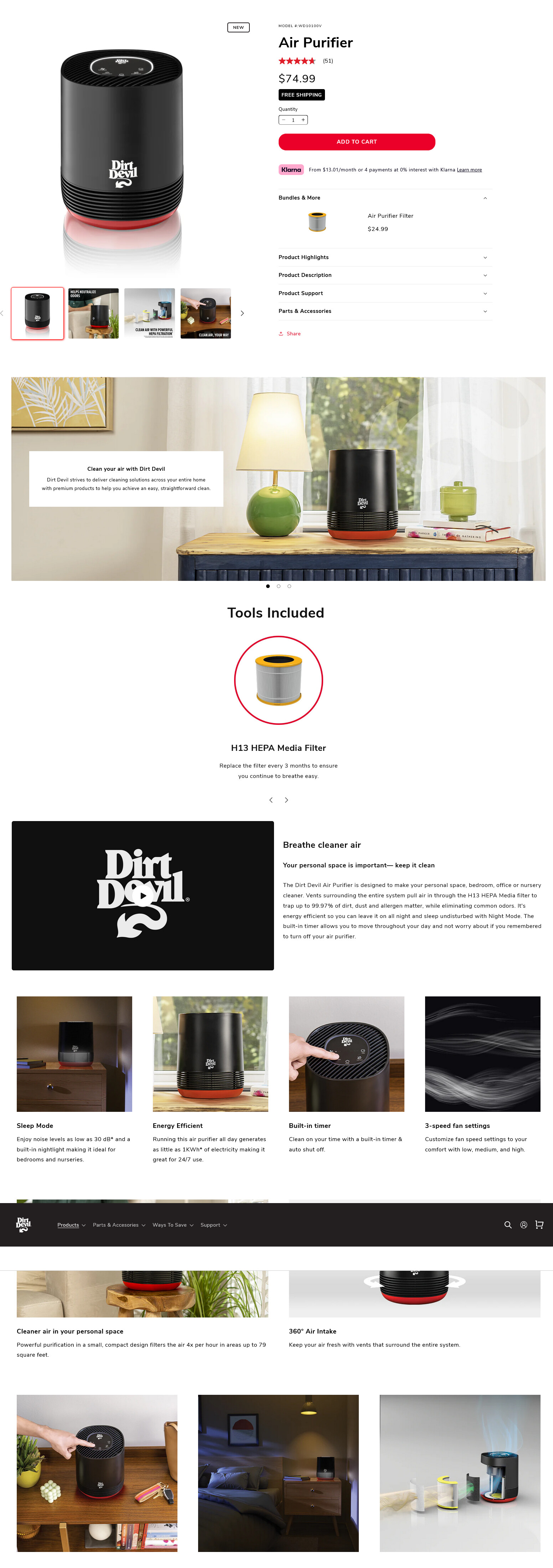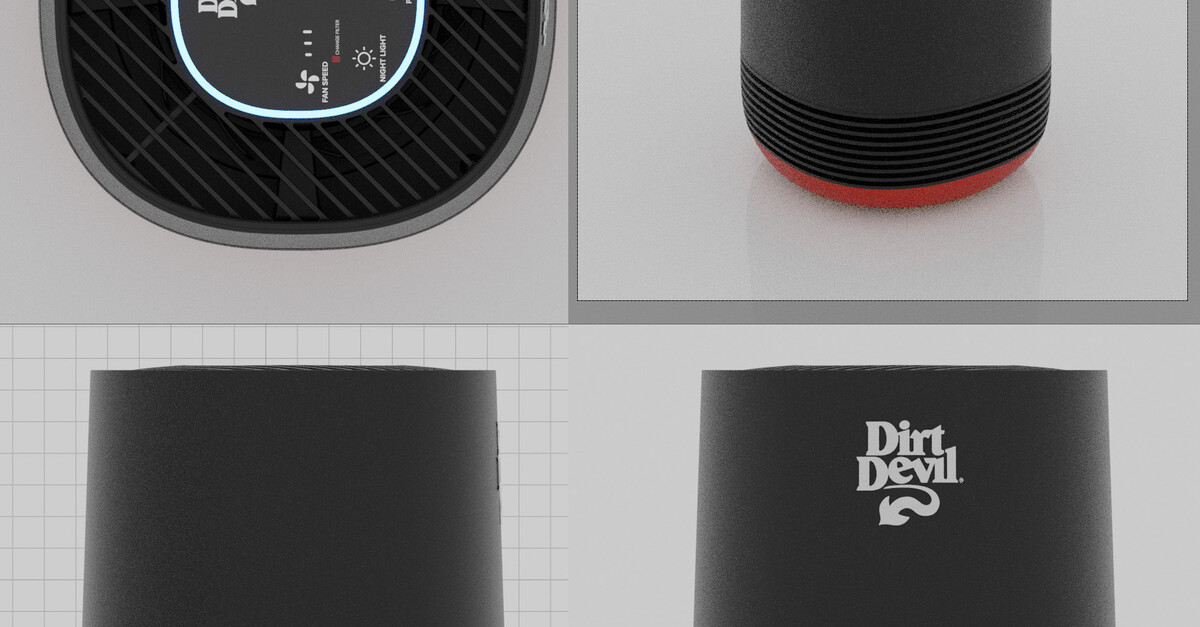
Product Rendering: Hero Images and 360 Turn-Table
Hero Product Rendering and 360 Turn-Table Animation
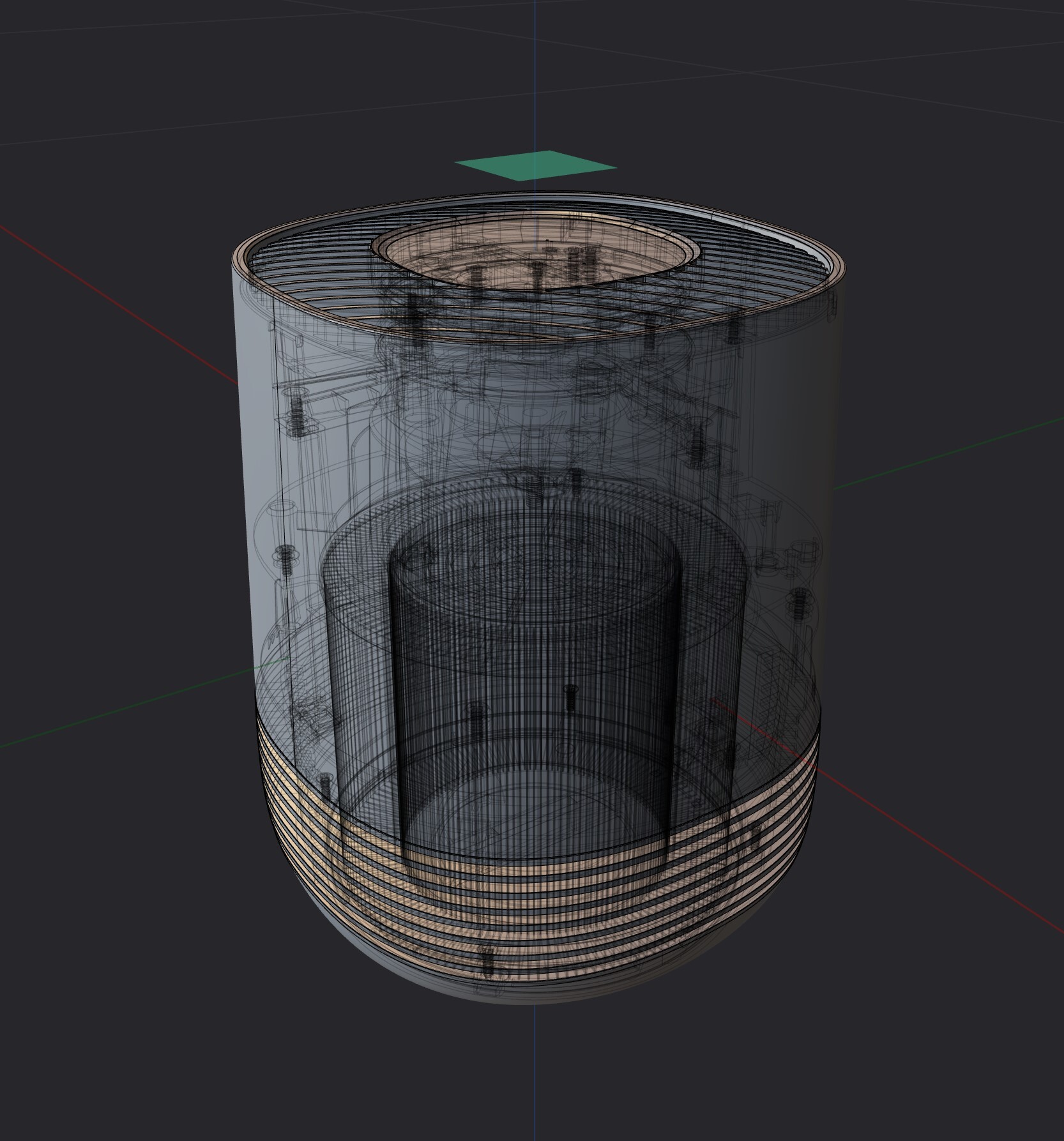
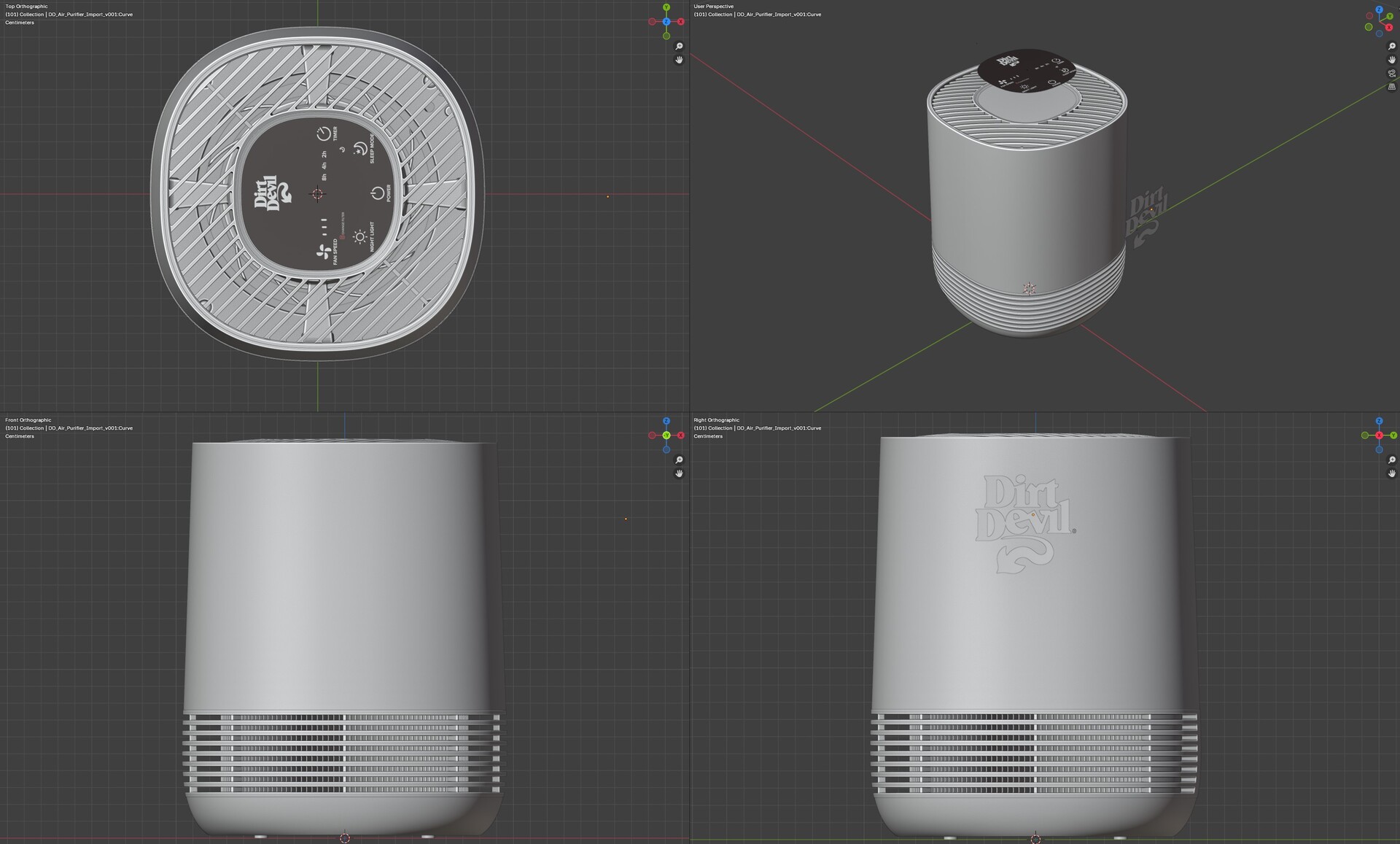
The product rendering process works best when it starts directly from the CAD models of the product. STP files are generally the most reliable format for converting native CAD assemblies into a universal file that imports into rendering software cleanly and without geometry errors. Working from CAD source data preserves the surface curves and design intent of the original model, ensuring that product contours and form language read accurately in the final renders. In situations where CAD data is unavailable or not provided by the client, product modeling is done from physical reference or photography to prepare the scene for rendering. Once geometry is established through either path, universal 3D formats such as .USD and .FBX allow for clean import into most 3D software packages and rendering pipelines.
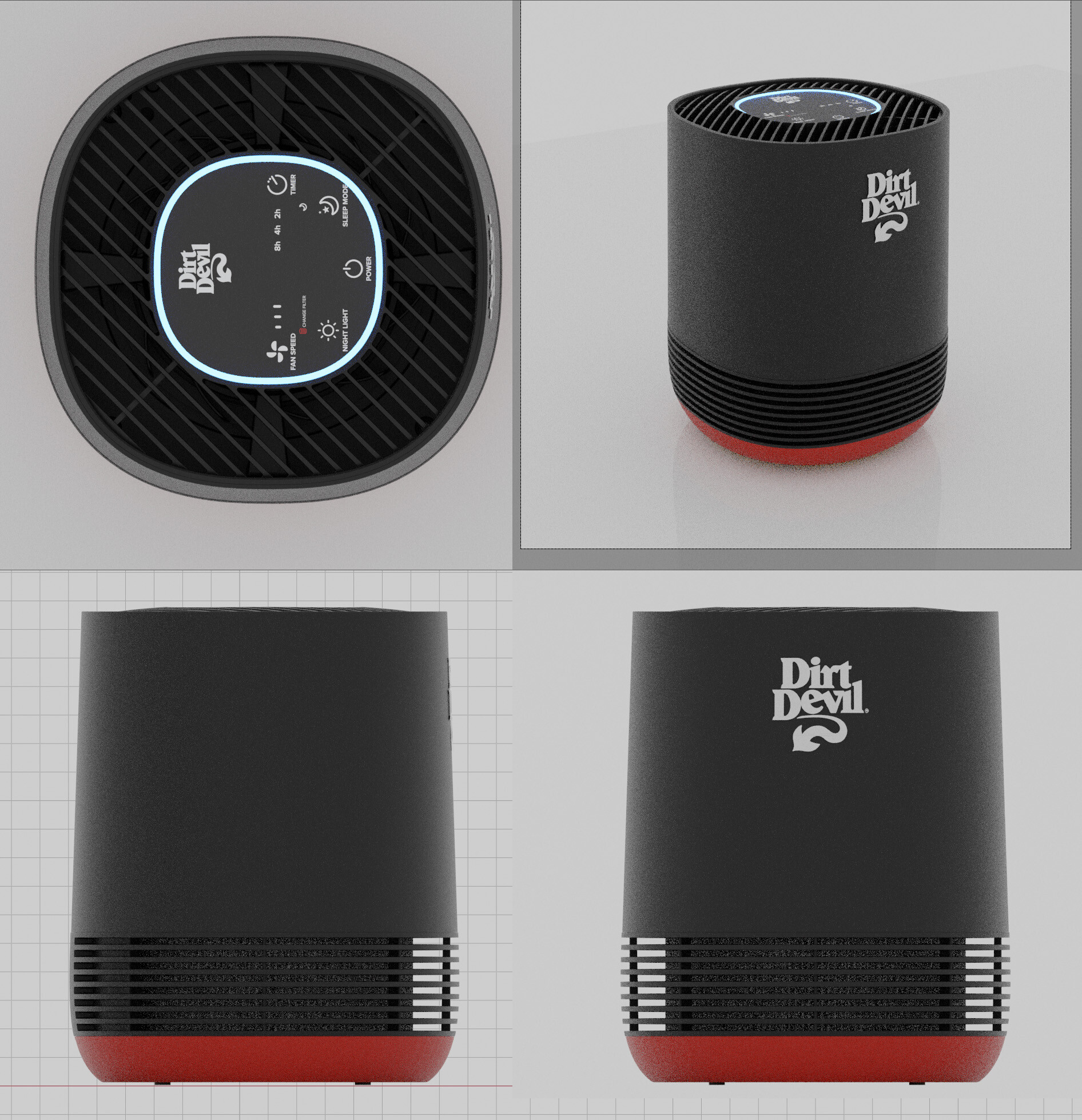
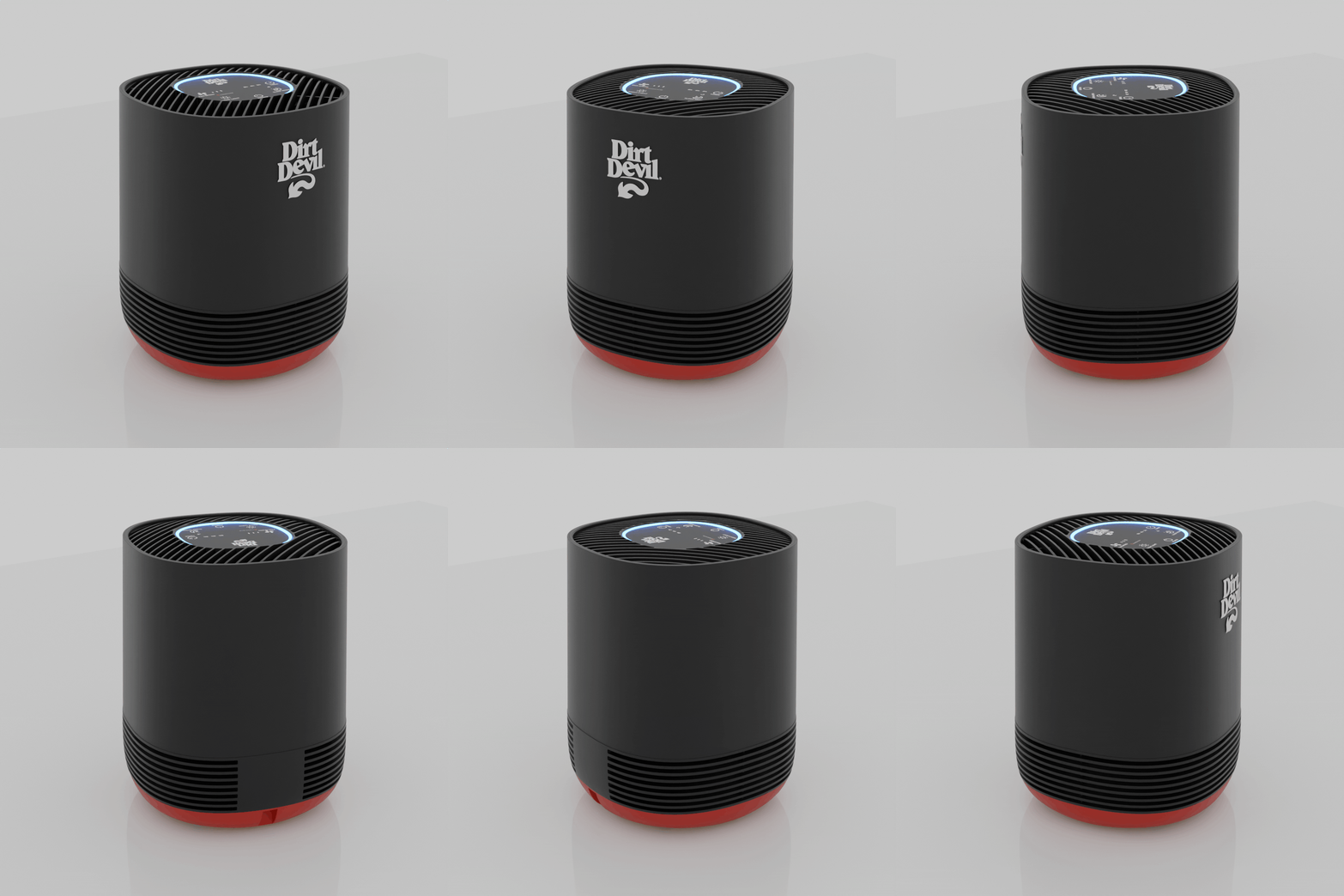
Building a 3D scene from CAD data establishes what is effectively a Virtual Photography stage: a controlled environment that serves both still product rendering and lifestyle compositing needs, but most critically provides the platform for generating a 24-frame loopable turn-table animation for retailers who require 360-degree product views. On a live photo shoot stage, lighting highly reflective or shiny products for a smooth 360-degree rotation creates considerable setup complexity, extended shoot time, and often requires significant post-production cleanup and paint-outs to address lighting rig reflections and surface imperfections. The CG approach removes those variables entirely, providing complete and repeatable control over materials, lighting, and the look at every stage of the render and post-compositing process. This same 3D setup also makes it practical to handle multiple product variations within a single pipeline pass, produce cutaway and technical renders to illustrate product function, and generate assets at whatever scale the end use demands.
Final deliverables from this workflow can be rendered at any resolution, from large-format trade show booth prints to web-optimized images for e-commerce platforms. Master files are archived in a Digital Asset Manager, where they serve as source assets for graphics overlay work, digital layout design, and both print and digital marketing production.
CAD Import and File Integrity Check
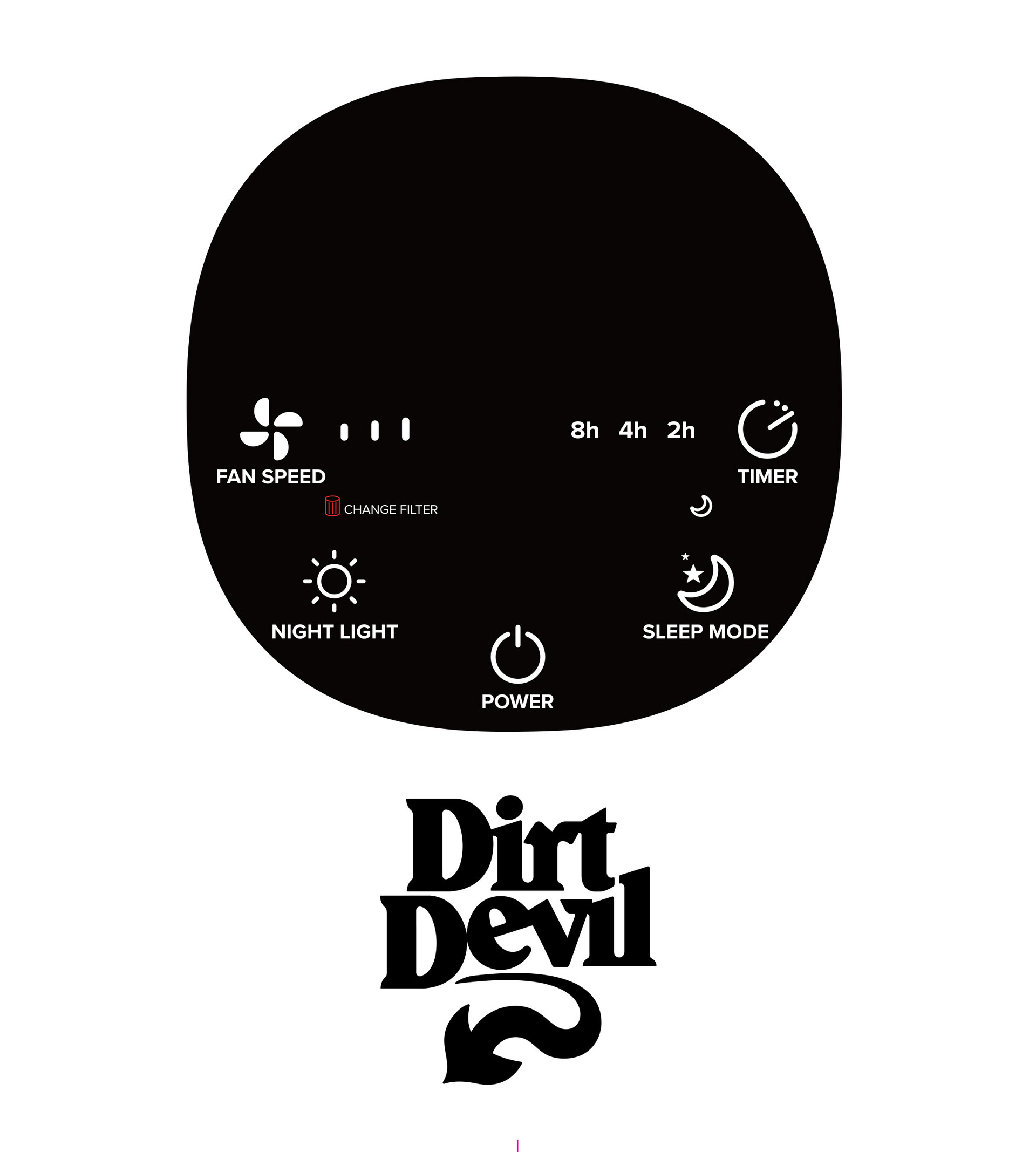
Import and Conversion of Vector Graphics and Branding Elements
Import into 3D Application
Materials and Lighting Setup
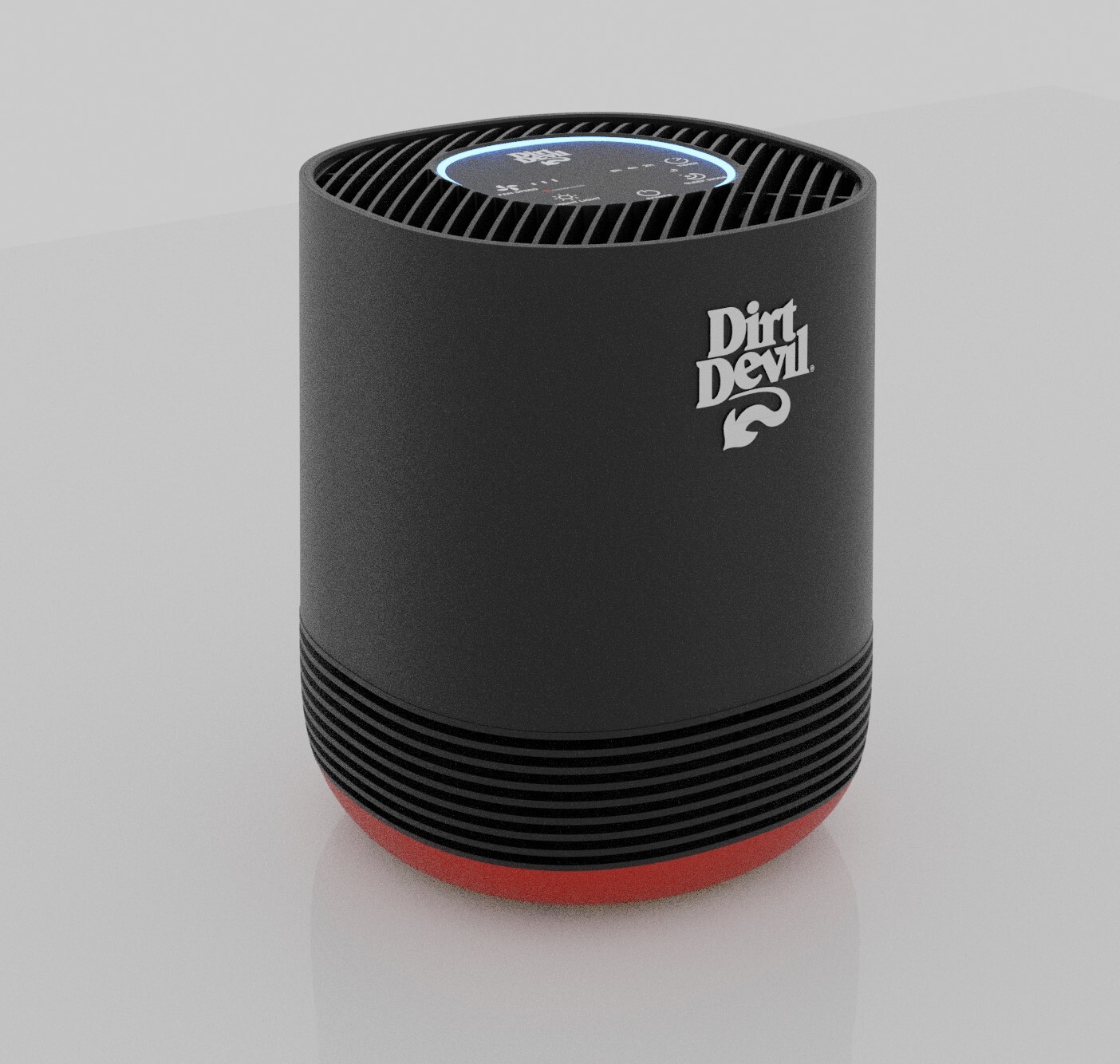
Render Setup and Output
360 Animation
Digital Asset Finals