3D Product Modeling and Product Package Modeling
Vector Artwork from Line Art to 3D Models for Product Rendering
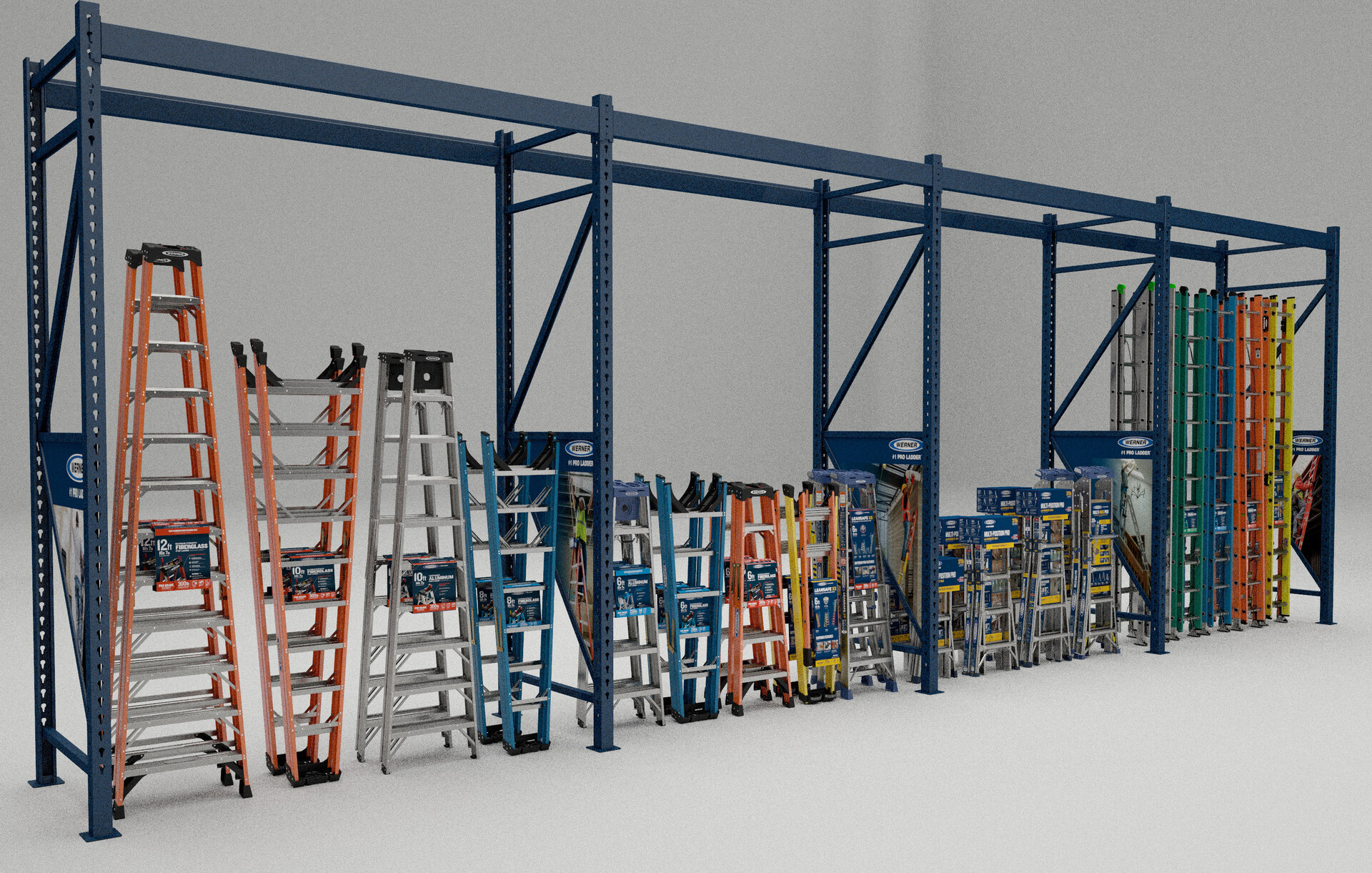
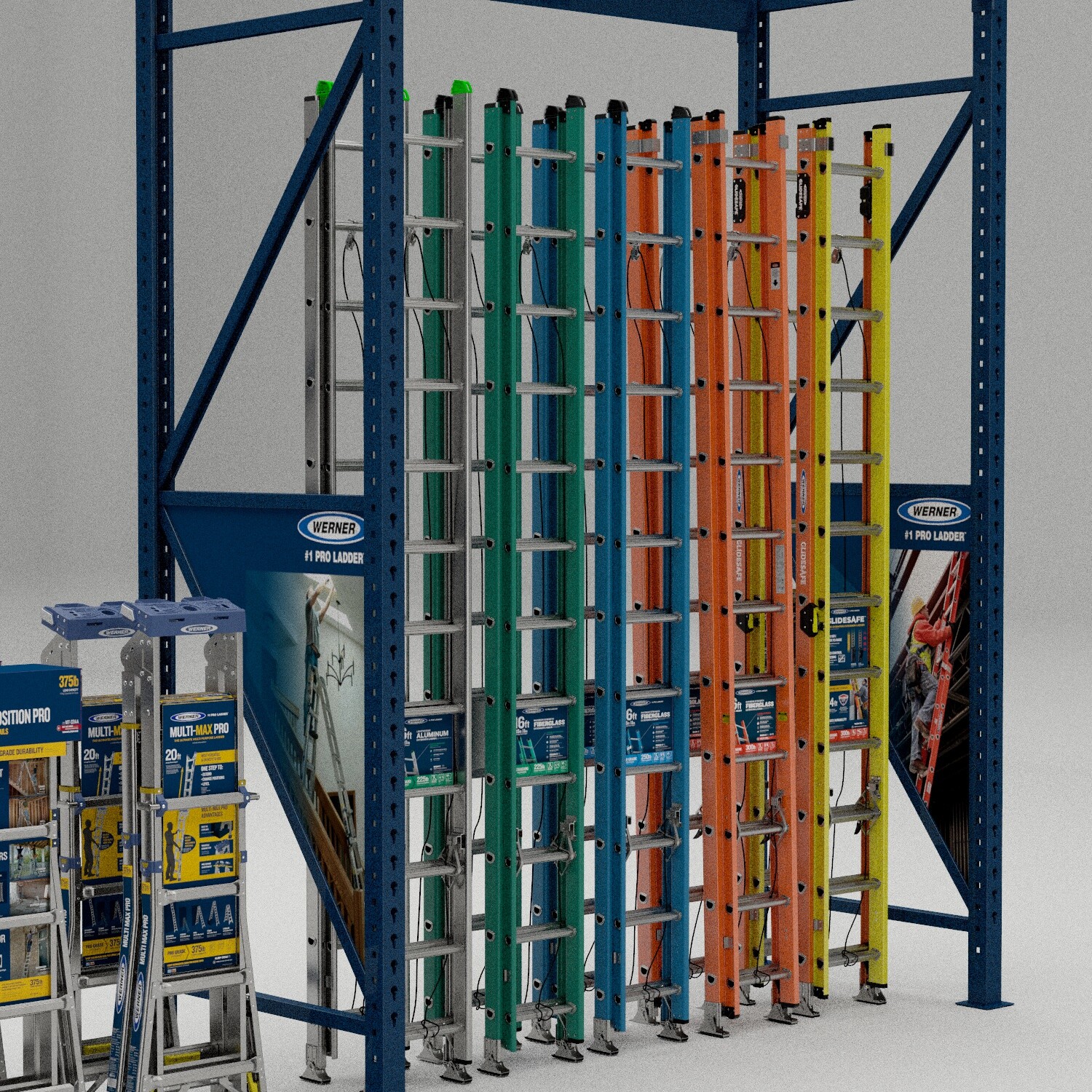
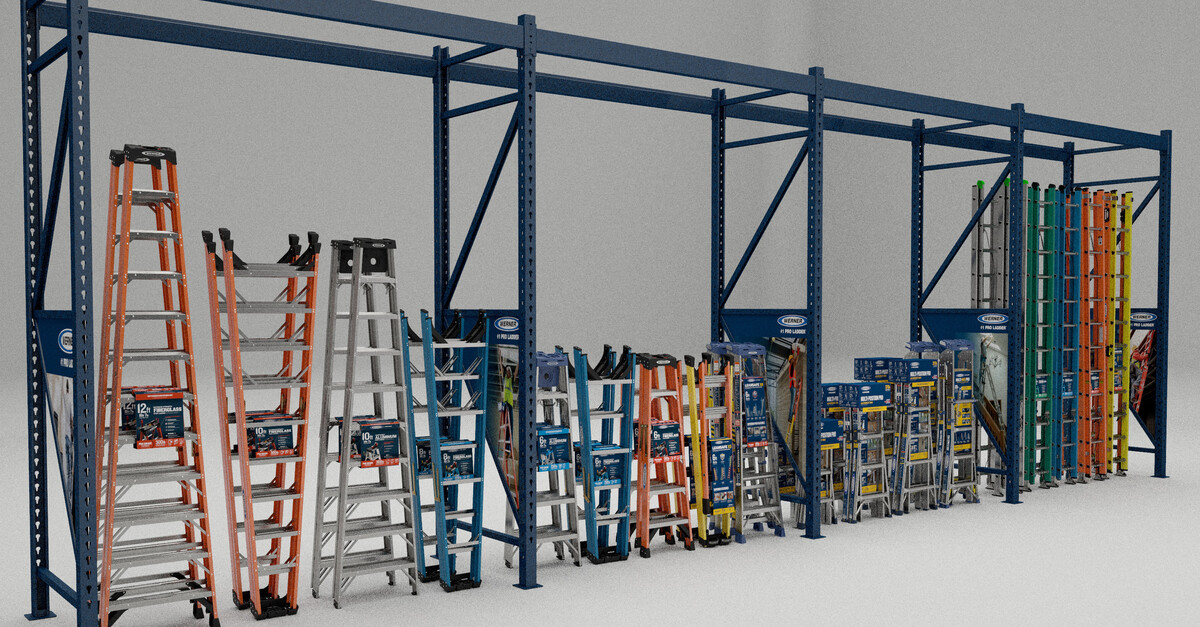
Product visualization is frequently needed to support shelf layout planning and end-cap design work for retail environments. There is also a consistent demand during the design phase to see packaging concepts converted into a 3D setup before committing to physical prototypes, allowing the design and marketing teams to evaluate how the product will read at retail while changes are still fast and inexpensive to make.
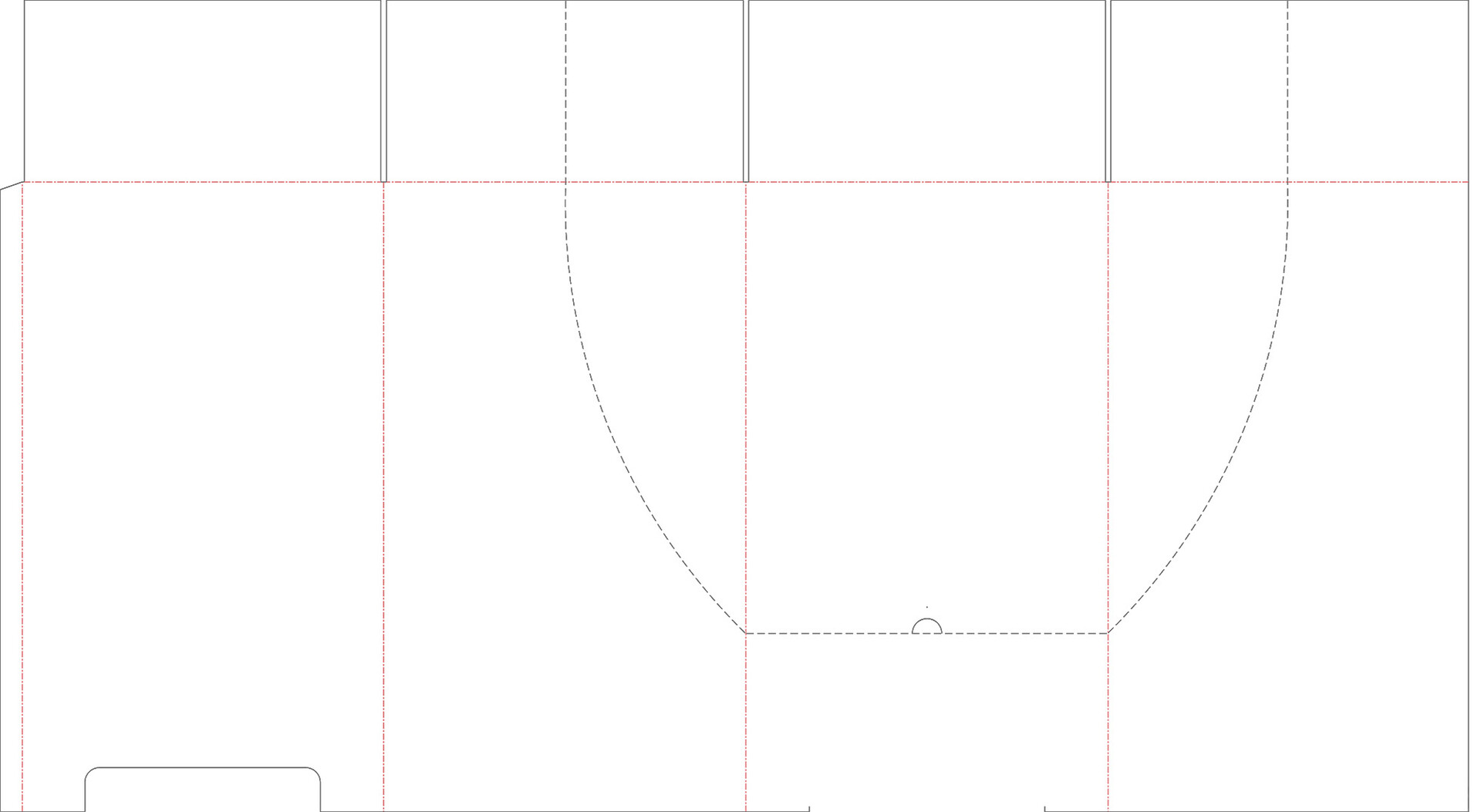
Vector artwork, including die cut line data, serves as the structural foundation for building accurate package models in 3D. Using the die line geometry as the construction guide ensures that every fold, panel proportion, and graphic placement maps correctly when the flat artwork is converted into its three-dimensional form. This workflow is particularly useful for labeling and packaging design, as well as for building virtual product line setups that show how the full range will appear together at shelf or in an end-cap display. A key advantage is that the CG rendering process allows a product to be evaluated as a finished, properly packaged item even in the earliest stages of design, long before a physical proof is available, significantly compressing the design review cycle.
The artwork is provided in vector format to maintain maximum resolution through the conversion process. Die lines are extracted as .SVG or curves data for direct import into the 3D application. Once in 3D, the flat artwork texture is projected onto the die line geometry surfaces.
Once the material setup is complete and the flat graphics are properly aligned to the geometry, the package is folded into its final three-dimensional form. Working in 3D makes this a fast iterative process, eliminating the need to print physical test proofs at every revision of the design. One of the most practical advantages of this approach is that if the die line structure remains unchanged but the artwork design is updated, only the texture file needs to be swapped in. The physical package geometry, lighting, and material setup only need to be built and calibrated once, which significantly reduces turnaround time on subsequent rounds of revisions.
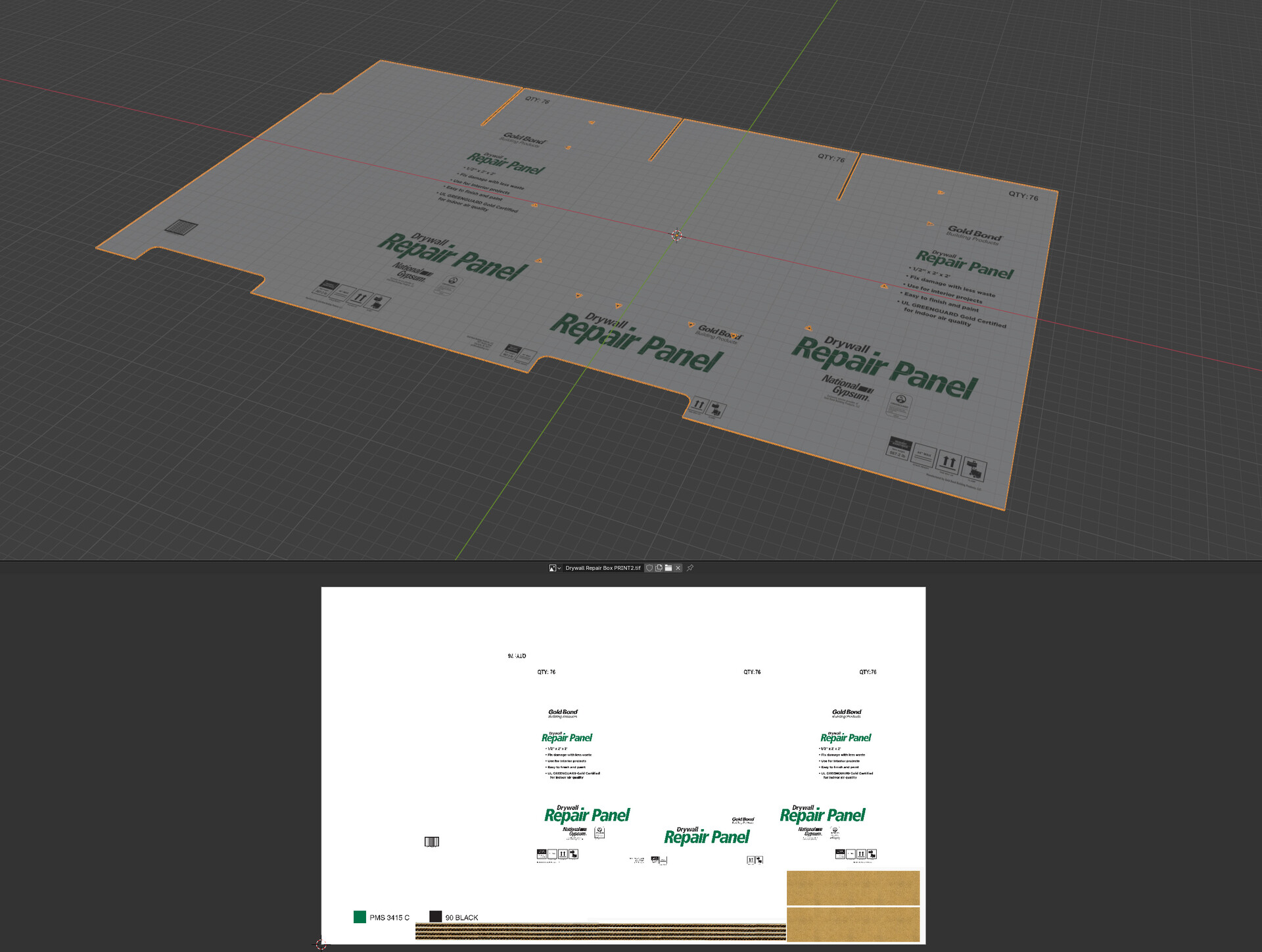
Once the package is folded and assembled in 3D, the final lighting and materials are set up and the scene is prepared for render. Viewport approvals are established before committing to full render time, giving the client an accurate preview of the final output at no additional cost.
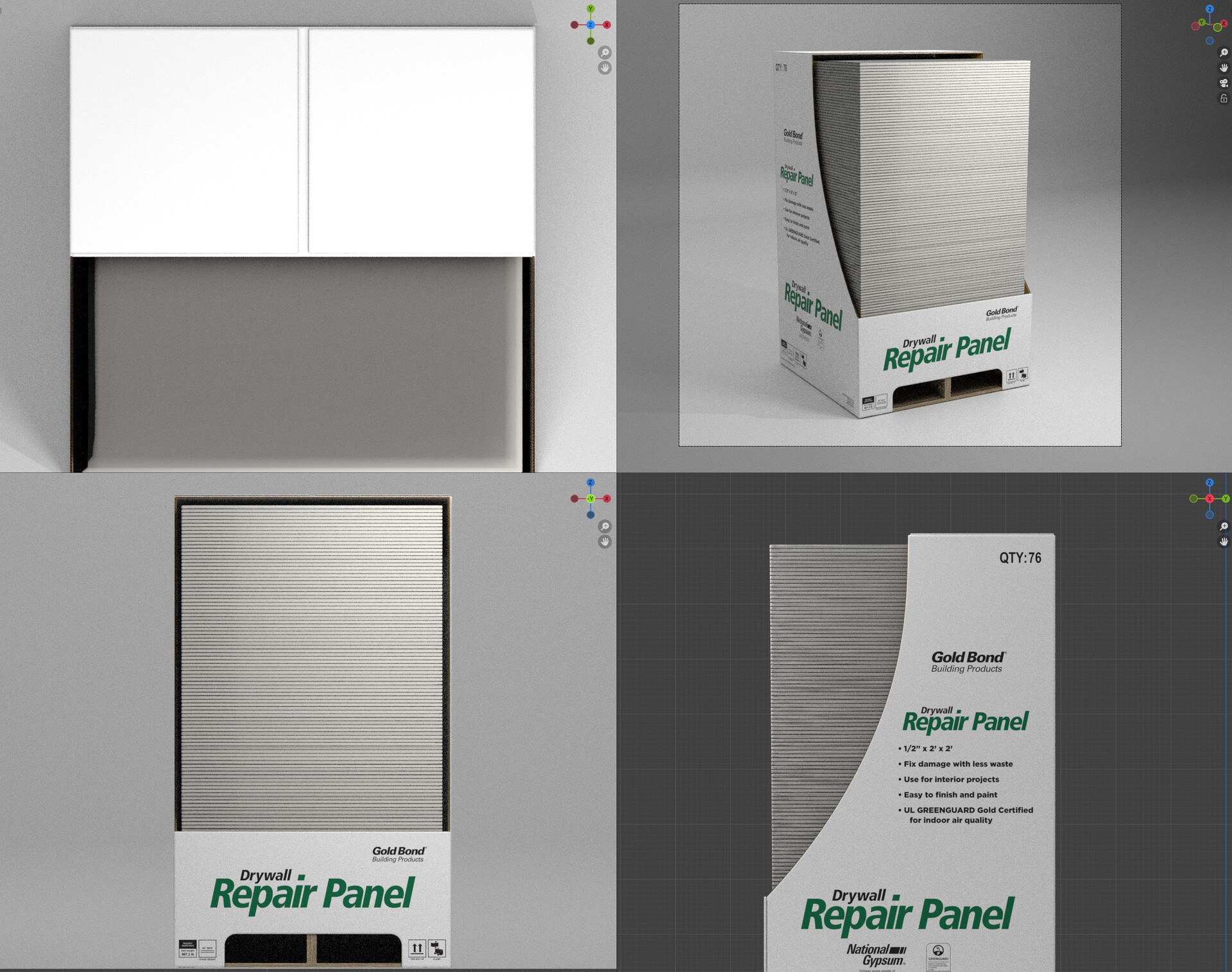
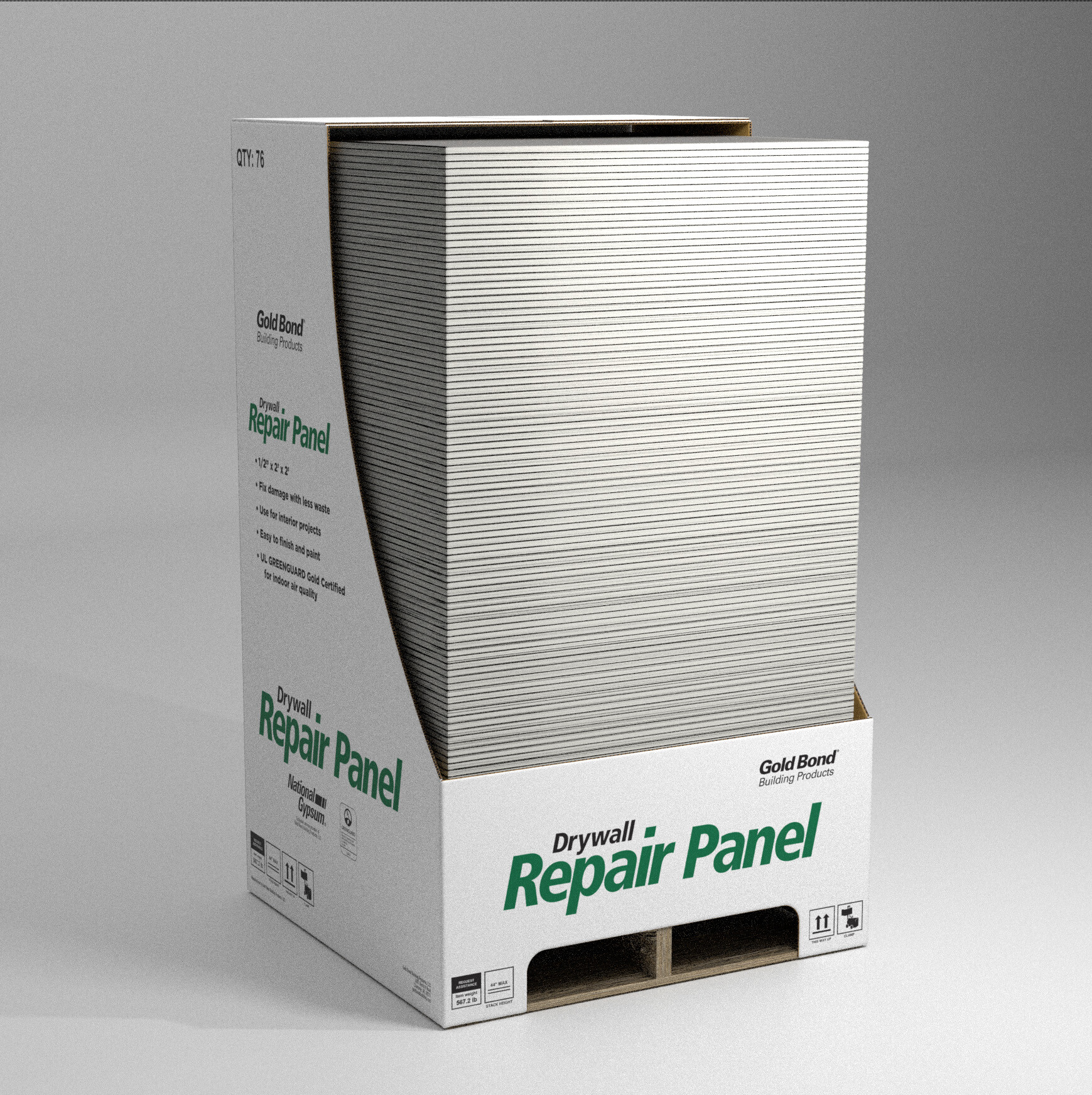
From that point, the rendered output is tailored to the specific needs of the project: individual product renders, full product family group shots, or retail environment layouts showing how the product line reads together at shelf, all generated from the same master 3D scene.
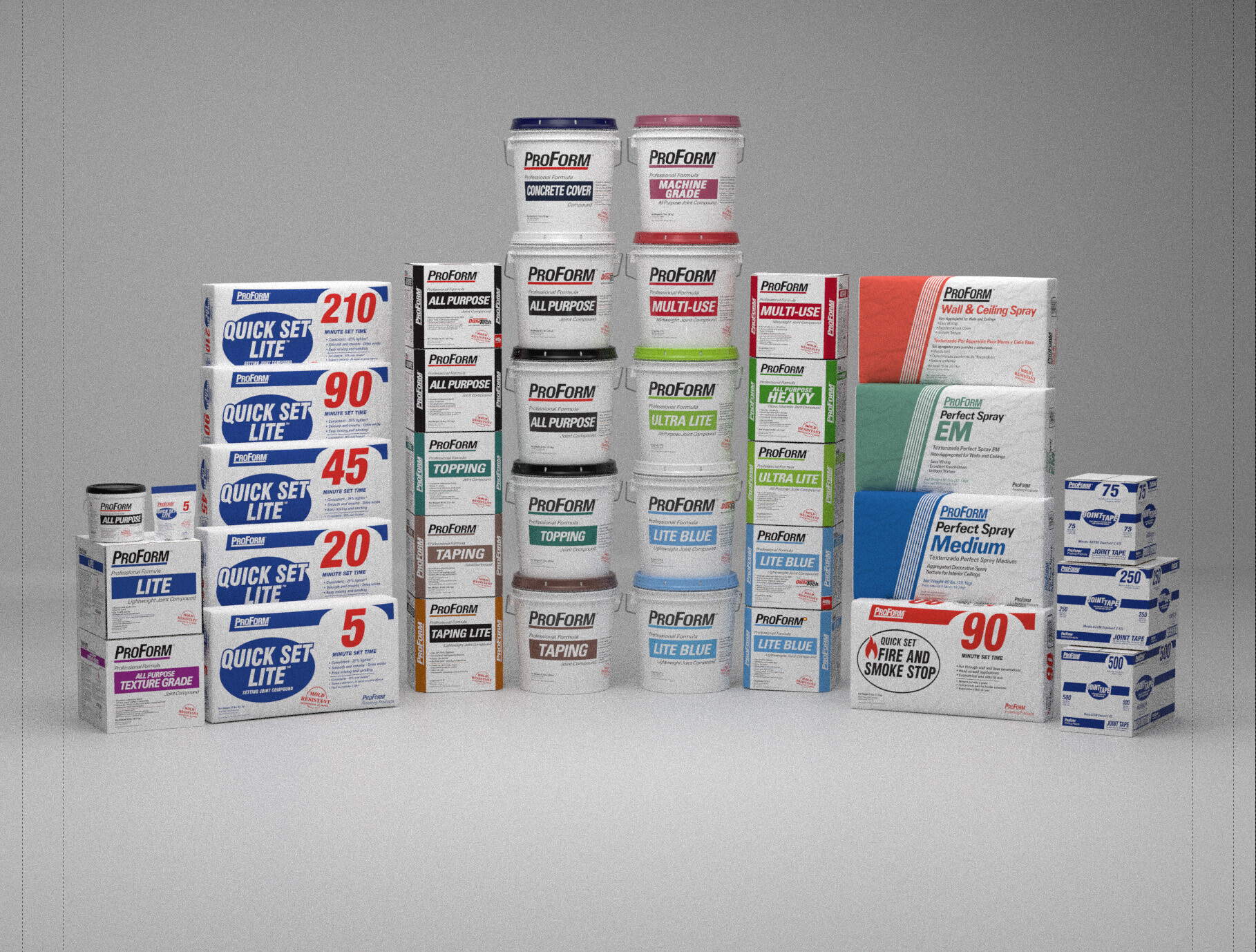
Layout options for any combination of products, once in 3D with materials and lighting calibrated, can be rendered as needed for any additional marketing or packaging deliverables.